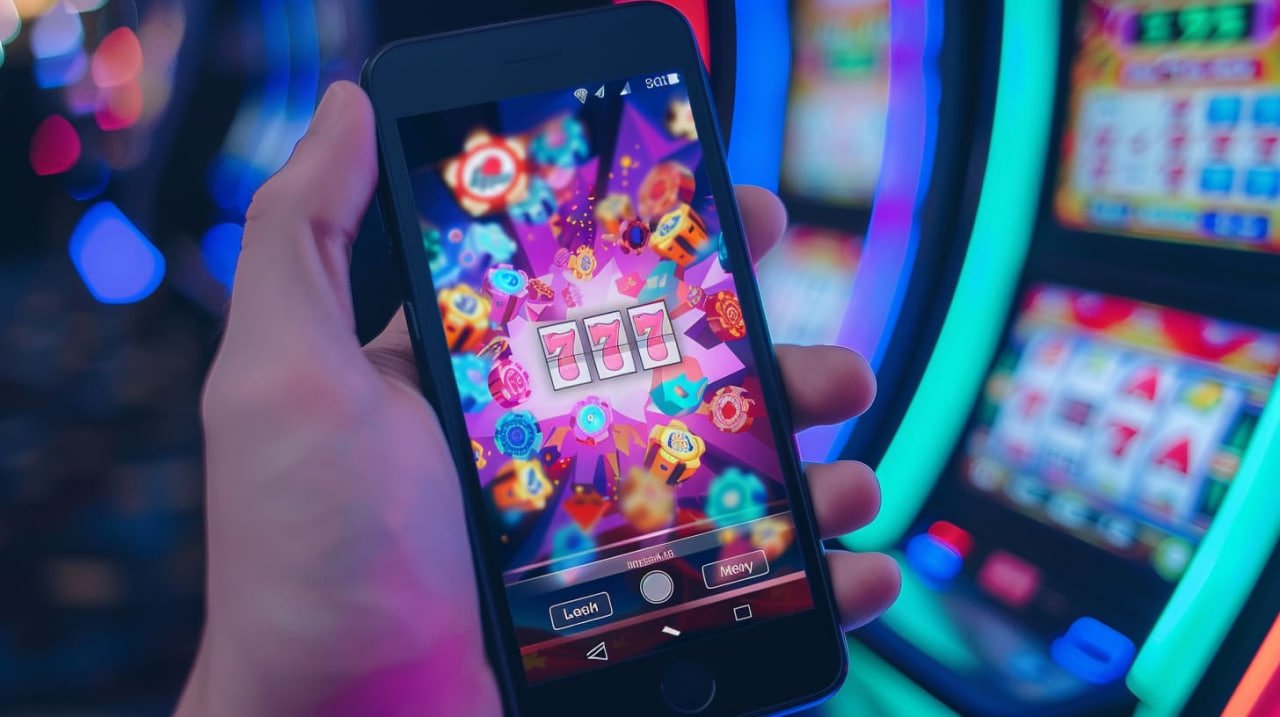
The blbt app is available for Android and iOS. Simple installation, smooth interface, and full access to slots, bingo, promotions, and Pix withdrawals — all in the palm of your hand.

Blbt works well on both systems. Regardless of the phone you use, you can play with quality and stability.
Compatible with Android smartphones and tablets running version 5.0 (Lollipop) or later. Installation is done via APK file directly from the blbt website — no Play Store required.
Works on iPhones running iOS 13 or higher. On iOS, blbt can be accessed as a Progressive Web App (PWA) — add it to your home screen and use it like a native app, with nothing to install.
Blbt – app available for Android and iOS with a mobile-optimized interface
On Android, the blbt app is installed via APK. It is not on the Play Store — so you need to enable installations from external sources first. Here is how to do it, step by step, without any hassle.
Open your Android browser (Chrome works best) and go to blbt.vu. Make sure your connection is stable before starting the download.
On the download page, select the Android option. The APK file will start downloading automatically to your phone's Downloads folder.
Go to Settings > Security (or Privacy) and enable the option "Install apps from unknown sources" for your browser. This step is required for any app outside the Play Store.
Go to your Downloads folder, tap the blbt file, and confirm the installation when Android prompts you. The process takes just a few seconds.
Once installation is complete, the blbt icon appears on your home screen. Open the app and log in with your CPF and password, or create a new account directly through the app.
On iPhone, blbt works as a PWA — Progressive Web App. You add the site to your home screen and it behaves like a native app, without taking up traditional installation space.
PWA on iOS works exclusively through Safari. Other browsers such as Chrome or Firefox do not support adding to the home screen with the same functionality.
Type the address in the Safari bar and wait for the site to load completely. The blbt mobile version is optimized for iPhone screens of all sizes.
In Safari, tap the share icon (the box with an arrow pointing up) in the bottom bar of the screen. A menu will open with several options.
Scroll the menu down and tap "Add to Home Screen". Confirm the name (blbt) and tap "Add" in the top right corner.
Done. blbt now appears as an icon on your home screen. When opened, it loads in full-screen mode, without the browser address bar — just like a regular app.
Blbt – simple installation on Android via APK and on iPhone via PWA
The blbt app is not a stripped-down version of the platform — it has everything you find on desktop, optimized for your phone's screen.
Access all slot games available on blbt directly from your phone. Graphics optimized for touch screens, with no lag or loss of image quality.
Join live bingo rooms through the app with the same smoothness as desktop. Chat with other players, real-time animations, and cards that are easy to mark by touch.
View and activate available promotions directly through the app. Weekly cashback, reload bonuses, and tournaments — all accessible in one tap, without needing to open a browser.
Make deposits and request withdrawals via Pix without leaving the app. The process is fast, straightforward, and works with any Brazilian bank that supports Pix — which is practically all of them.
Enable push notifications and get alerts when a new promotion goes live or when your weekly cashback is credited. Never miss an opportunity.
On Android, blbt supports fingerprint and facial recognition login. Access your account in a second, without having to type your password every time. Secure and convenient.
You can also play through your mobile browser — but the app has some practical advantages that make a real difference day to day.
| Feature | blbt App | Mobile Browser |
|---|---|---|
| Quick access from the home screen | ||
| Biometric login (fingerprint) | ||
| Push notifications | ||
| Interface optimized for touch | ||
| Full slots and bingo | ||
| Deposit and withdrawal via Pix | ||
| Promotions and cashback | ||
| Full-screen mode (no browser bar) |
Blbt – complete entertainment experience directly on your phone
The blbt app was built to run on a wide range of phones, not just the latest models. If your device is at least two or three years old, the chances of it running well are high.
Getting the most out of the blbt app requires nothing sophisticated. Small adjustments make the game run smoother and the experience more enjoyable.
Slots and live bingo work fine on 4G, but longer sessions consume data. On Wi-Fi, you play without worrying about data limits and with lower latency.
For the blbt app to run more smoothly, close other heavy apps before playing. This frees up RAM and prevents performance drops during sessions.
Whenever a blbt update is available, install it. Updates bring bug fixes, new games, and performance improvements — especially important on devices with less memory.
Blbt has a native dark theme interface. On Android and iOS, enable your system's dark mode for a more visually comfortable experience, especially at night.
The most common questions from users installing the blbt app for the first time.
Create your account, make your first deposit via Pix, and enjoy the welcome bonus directly through the app. For users 18 and older only.
Play responsibly. For users 18 and older only. Responsible Gaming.